Connect to anything. Generate any traffic. Manage everything.

Professional network tools,
built for IT & network engineers

A suite of professional-grade Windows utilities for network engineers, system administrators and IT professionals — reliable tools that work out of the box, without enterprise prices.

About YTS-Hub

What is YTS-Hub?

A collection of professional-grade network management tools for Windows. Every tool is built to solve real challenges IT professionals face daily — managing remote systems, testing network infrastructure, and debugging serial communications. Unlike scattered open-source projects or expensive commercial suites, YTS-Hub gives you a cohesive, well-maintained toolkit that works out of the box.

🧑‍💻

Built for professionals

Enterprise-grade features, engineered for the people who run production infrastructure — from a handful of devices to a large enterprise environment.

🔄

Actively maintained

Regular updates and new features, tested against real lab hardware before every release. Not an abandoned side project.

🌐

Vendor agnostic

Integrates seamlessly with Cisco, Juniper, RAD and all major vendors over standard protocols — no lock-in, no proprietary agents.

🔒 No malware 🔑 DPAPI-sealed credentials 🛡️ SSH host-key pinning 🔌 Works fully offline 📦 No telemetry · no ads
SSH|Telnet|Serial|SFTP|AI assistant

Terminal Manager

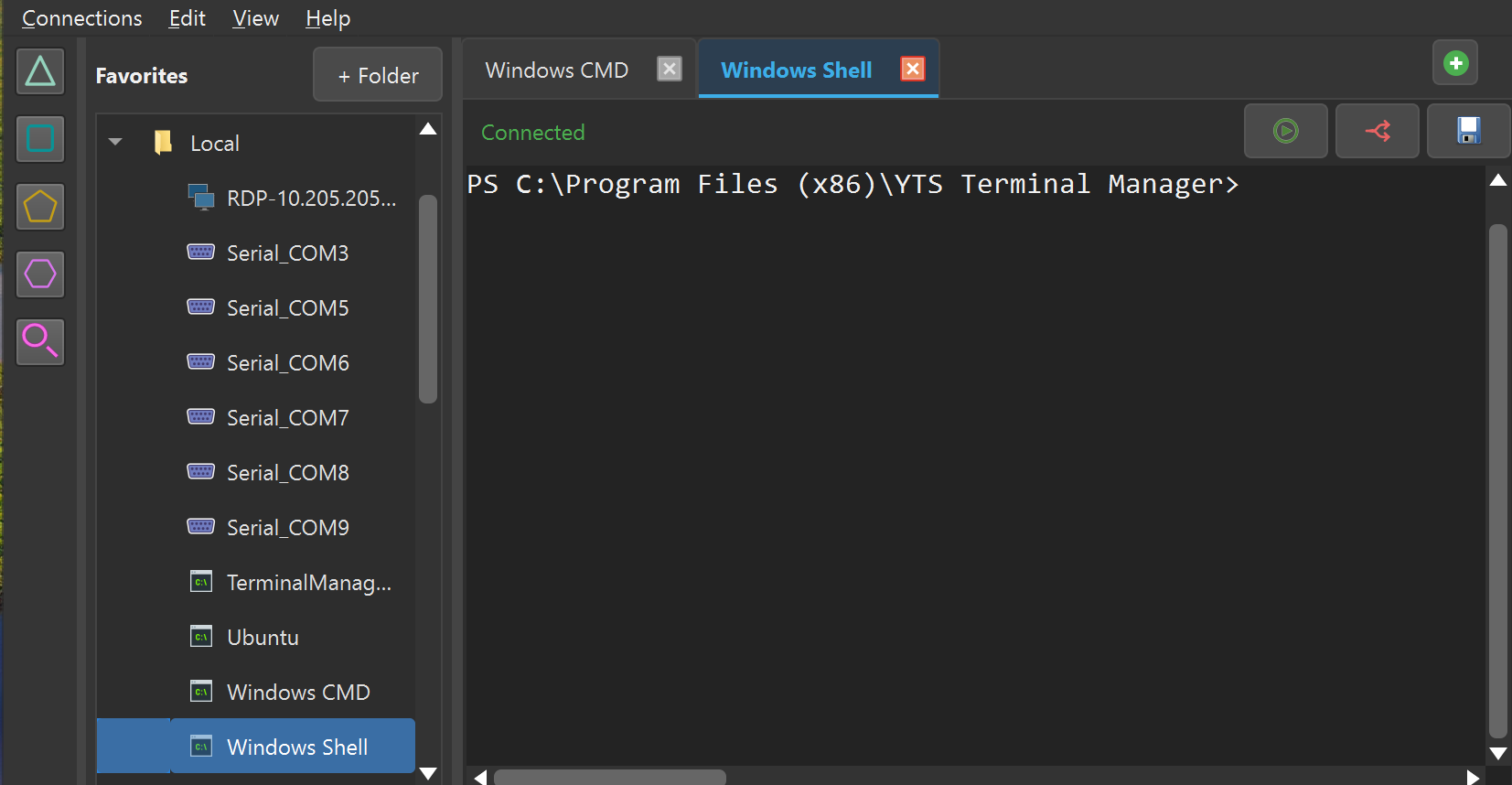
The all-in-one remote access client for Windows. Every protocol your infrastructure uses, every server you need — in a single unified application, now with a built-in AI assistant. Replaces PuTTY, WinSCP and your entire server stack.

YTS Terminal Manager — tabbed SSH, Telnet and Serial sessions on Windows
Layer 2|Layer 3|Burst & flood|Hex payloads

Packet Generator

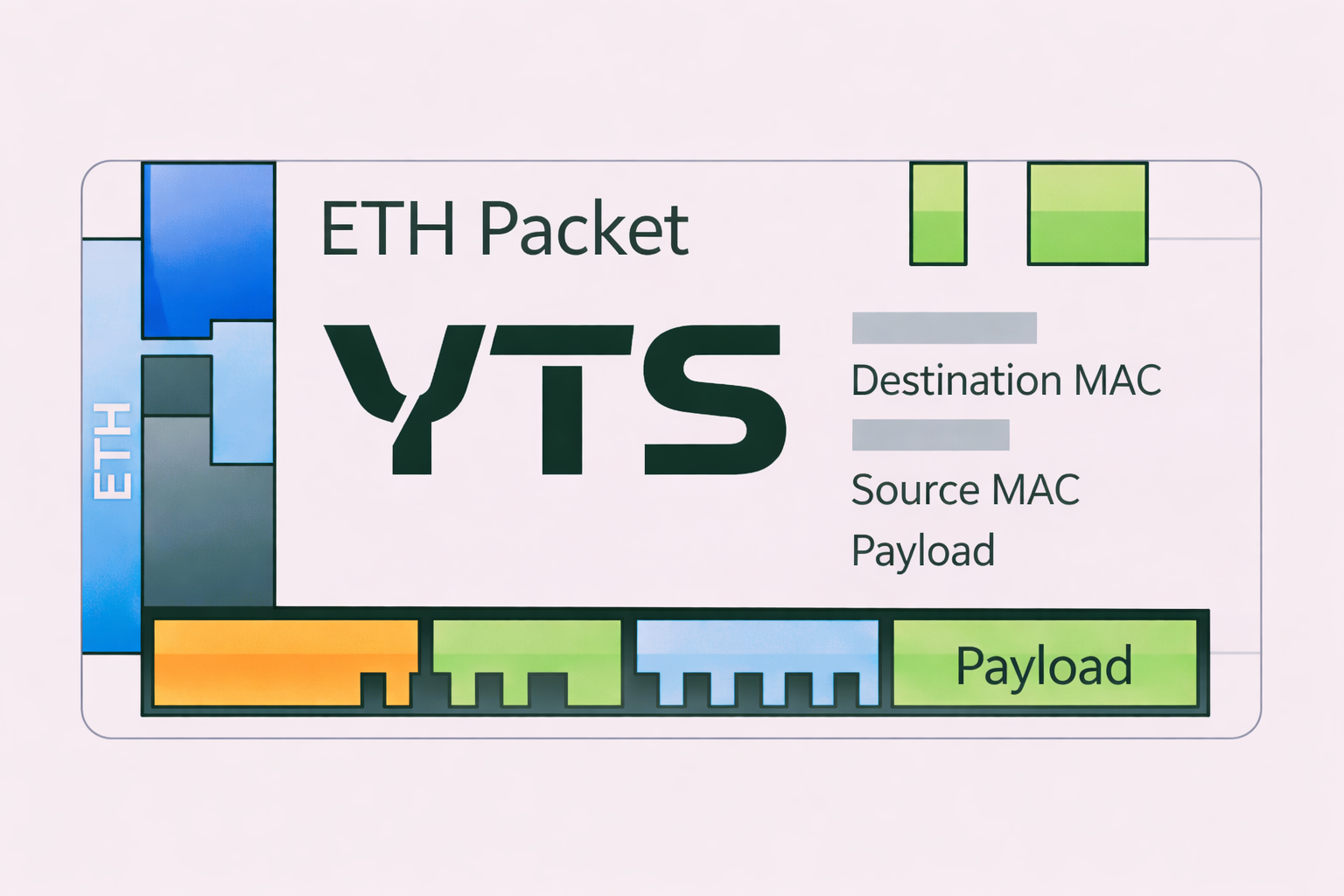
Craft and transmit custom Ethernet frames with full control over every header field — from Layer 2 MAC addressing to Layer 3 IP payloads. The precision tool for professional network testing and security research.

YTS ETH Packet Generator — Ethernet frame crafting on Windows
RS-232|RS-485|Error injection|Comparator

Serial Generator

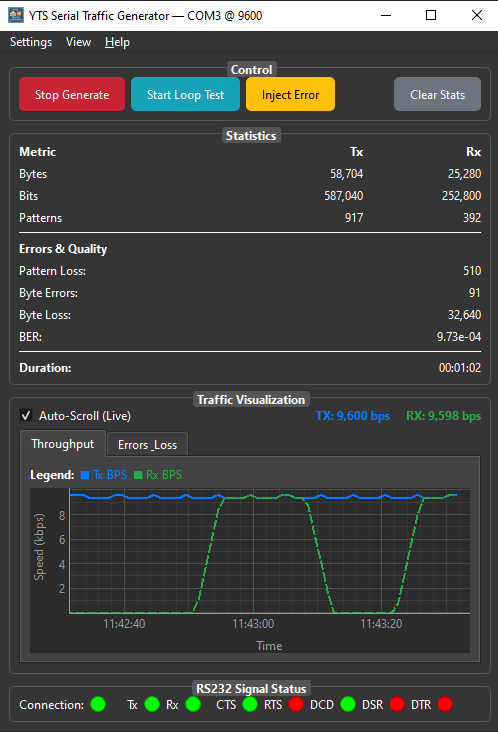
A complete serial communication testing suite for Windows. Monitor live COM-port traffic, generate standard or fully custom data patterns, and precisely debug RS-232 and RS-485 links.

YTS Serial Traffic Generator — RS-232/RS-485 COM port testing suite
Who it's for

Made for every IT role

Whether you run a server room or debug embedded hardware, YTS-Hub has a tool for your workflow.

🌐

Network Engineers

Manage routers, switches and firewalls over SSH, Telnet or Serial. Run diagnostics, capture syslog, test connectivity — all from one application.

SSHTelnetSYSLOGSNMP
🖥️

System Administrators

Transfer files securely with SFTP/SCP, automate tasks with Python scripting, and manage multiple servers at once with multi-session views.

SFTPSCPPython APIRDP
🔐

Security Researchers

Craft custom Ethernet packets, analyze protocol behavior, and test network responses under controlled conditions. No commercial license required.

Packet CraftLayer 2Protocol Test
🏭

Industrial / IoT Teams

Test and debug serial communications on COM ports for PLCs, embedded systems, industrial controllers and IoT hardware prototypes.

RS-232RS-485COM PortPLC
⚙️

DevOps Engineers

Launch PowerShell and CMD sessions with arguments, run Python automation scripts, and broadcast commands to server groups simultaneously.

PowerShellPythonAutomation
🎓

Students & Educators

Perfect for networking labs, CCNA/CCNP study environments, and computer-science courses that need real protocol interaction tools.

CCNA LabProtocol Study
Hear from our users

Engineers talk. We listen.

★★★★★ 5.0  — based on real user reviews

★★★★★

The only terminal app you’ll ever need

“The Terminal Manager is a game-changer for anyone who works with multiple connections on Windows. It handles everything from SSH and Telnet to file transfers with ease, and the built-in tools make daily tasks much smoother. Its flexible interface and clever features make it a must-have.”

J
JeffSeptember 2025
★★★★★

Great tools

“The YTS Packet Generator has transformed our approach to network testing. Its precision and control are unmatched, making it an essential tool for any network engineer!”

MC
Matthew CarterAugust 2025

Write a review

We’d love to hear your feedback. Take a moment to review the tools — it really helps us improve.

Your overall rating
Please select a rating.
Please add a title.
Please write your review.
Please add your name.
Please enter a valid email.

Your email is never published — it’s only used to verify the review.

FAQ

Questions, answered

Are the YTS-Hub tools free?
Yes — all three tools are currently free for personal and commercial use. No license keys, no registration, no ads and no bundled software.
Which Windows versions are supported?
Windows 10 and Windows 11 (64-bit). The installers require no additional runtimes.
Do I need an account or an internet connection?
No account, ever. The tools work fully offline; only the optional AI assistant needs connectivity — and even that can run against a local model on your own machine.
Which vendors and devices do the tools work with?
Any equipment that speaks the standard protocols: SSH, Telnet and serial consoles from Cisco, Juniper, RAD, MikroTik and every other vendor, plus SFTP/FTP/SCP servers and RDP hosts. The packet and serial generators are fully vendor-independent.
Ready when you are

Master the network

Pick your tool. Install in minutes. Get to work.

Questions? yts-hub.com/contact